- Install the latest version of the Cisco Secure Client (AnyConnect) from The Company Portal. If you are not familiar with the Company Portal you can follow these instructions https://support.scstruss.com/en/support/solutions/articles/151000182138-install-an-application-using-the-company-portal
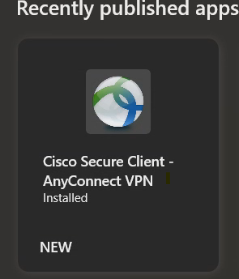
- Once the application is installed, you should have a shortcut on your desktop, double-click that to open the Cisco Secure Client

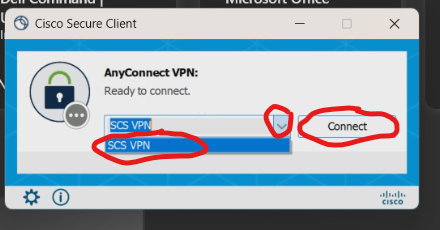
- Once the app has opened, click the dropdown box and select "SCS VPN" and then click the "Connect" button.
- Log in to the SCS network as you normally do
Was this article helpful?
That’s Great!
Thank you for your feedback
Sorry! We couldn't be helpful
Thank you for your feedback
Feedback sent
We appreciate your effort and will try to fix the article